Generics Explained With Real Examples
Most explanations of generics use <T> with no context, which is exactly why they never click. Here's what generics actually solve, with real code.
Generics get introduced through abstract examples (function identity<T>(arg: T): T) that are technically correct but don't show why you'd reach for them. Here's the practical version — what problem they solve, and when you actually need them.
The problem generics solve: type safety without losing reusability
Without generics, you have two bad options for a function that should work with multiple types:
// Option 1: use `any` — you lose type safety entirely
function firstItem(arr: any[]): any {
  return arr[0];
}
const num = firstItem([1, 2, 3]); // TypeScript thinks this is `any`, not `number`

// Option 2: write a separate function per type — repetitive
function firstNumber(arr: number[]): number { return arr[0]; }
function firstString(arr: string[]): string { return arr[0]; }
Generics give you a third option: one function, full type safety, works with any type.
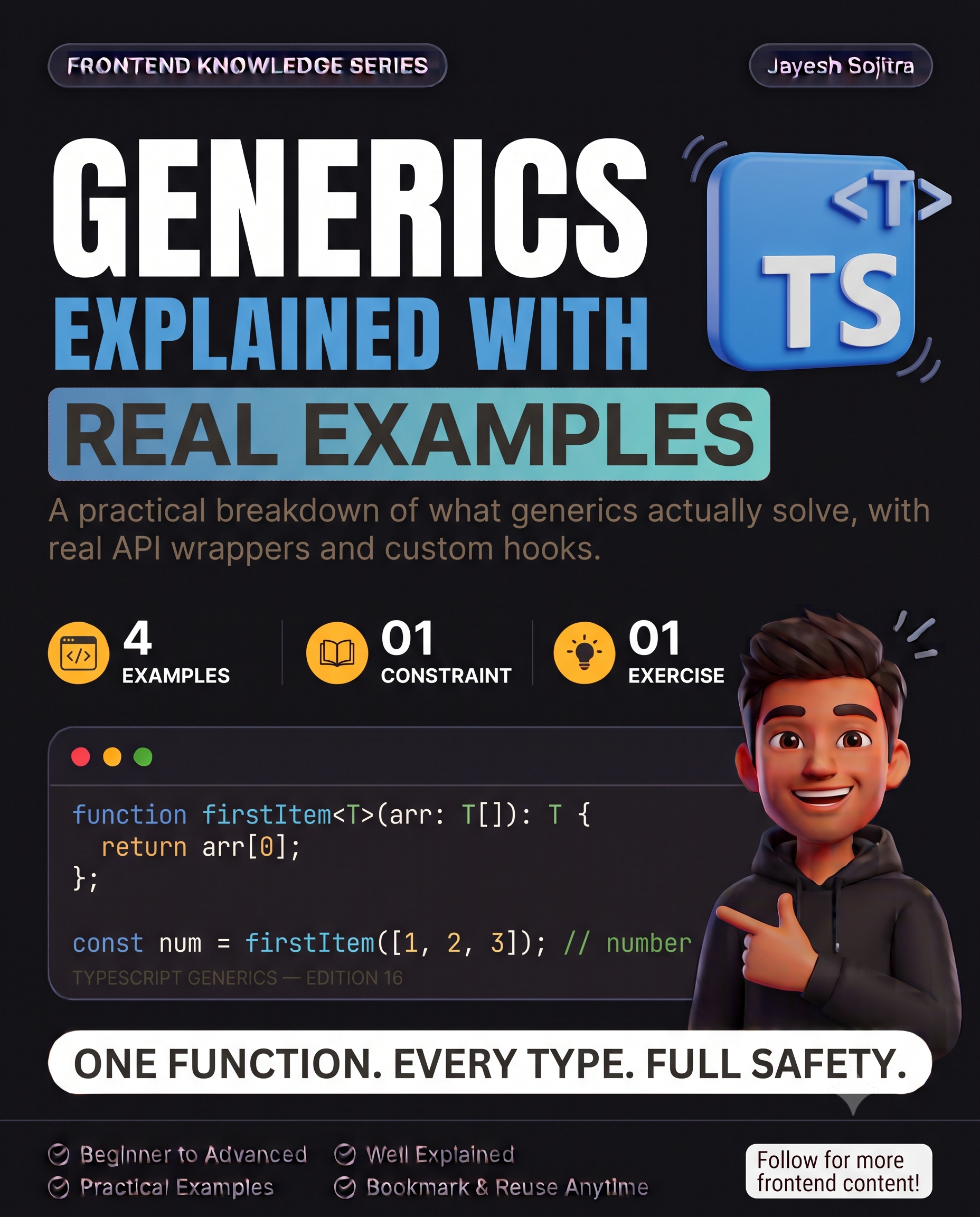
function firstItem<T>(arr: T[]): T {
  return arr[0];
}
const num = firstItem([1, 2, 3]); // TypeScript correctly infers: number
const str = firstItem(['a', 'b']); // TypeScript correctly infers: string
T is a placeholder for "whatever type gets passed in" — TypeScript figures out the actual type at each call site and enforces it consistently throughout the function.
A real example: a typed API response wrapper
interface ApiResponse<T> {
  data: T;
  status: number;
  error: string | null;
}

async function fetchData<T>(url: string): Promise<ApiResponse<T>> {
  const res = await fetch(url);
  const data = await res.json();
  return { data, status: res.status, error: null };
}

// Usage — T gets specified at the call site
interface User { id: number; name: string; }
const response = await fetchData<User>('/api/user/1');
response.data.name; // TypeScript knows this is a string, autocomplete works
Without generics, ApiResponse would need a separate interface for every possible response shape, or you'd lose type safety on data entirely.
Generic constraints: limiting what T can be
Sometimes you want a generic, but not for literally any type — you need to guarantee it has certain properties.
interface HasId { id: number; }

function findById<T extends HasId>(items: T[], id: number): T | undefined {
  return items.find(item => item.id === id);
}
T extends HasId means: T can be any type, as long as it has an id: number property. This lets the function safely access .id on any item, while still working with any object shape that includes that property.
A real example: a reusable custom hook with generics
function useLocalStorage<T>(key: string, initialValue: T): [T, (value: T) => void] {
  const [value, setValue] = useState<T>(() => {
    const stored = localStorage.getItem(key);
    return stored ? JSON.parse(stored) : initialValue;
  });
  const setStoredValue = (newValue: T) => {
    setValue(newValue);
    localStorage.setItem(key, JSON.stringify(newValue));
  };
  return [value, setStoredValue];
}

// Fully typed at every call site:
const [theme, setTheme] = useLocalStorage<'light' | 'dark'>('theme', 'light');
const [user, setUser] = useLocalStorage<User | null>('user', null);
Remember Day 2's useLocalStorage hook — this is the same hook, made properly type-safe. Without generics, you'd either lose typing on the returned value or need a separate hook per type stored.
Multiple type parameters
Generics aren't limited to one type parameter:
function mapObject<T, U>(obj: T, fn: (value: T) => U): U {
  return fn(obj);
}
Useful when a function transforms one type into a genuinely different one, and you want both the input and output types tracked correctly.
When you actually need generics (and when you don't)
- Need them: reusable utility functions, custom hooks, API wrappers, any code meant to work with multiple types while staying type-safe.
- Don't need them: a function that only ever works with one specific type — adding
<T>there is unnecessary complexity for no benefit.
Try this yourself: find a utility function in your codebase that currently uses any, or that you've duplicated for different types. Rewrite it with a generic type parameter, and notice what autocomplete and type-checking you get back that you didn't have before.
Takeaway: Generics aren't an advanced feature to avoid — they're what lets you write one reusable function or hook instead of duplicating it per type, without falling back to any and losing type safety. The moment you're tempted to copy-paste a function just to change its type signature, that's the generics signal.