3 Ways to Share State Across Microfrontends
Module Federation (Day 6) solves how to share code between microfrontends. It doesn't solve how to share state — that's a separate problem, with its own set of tradeoffs.
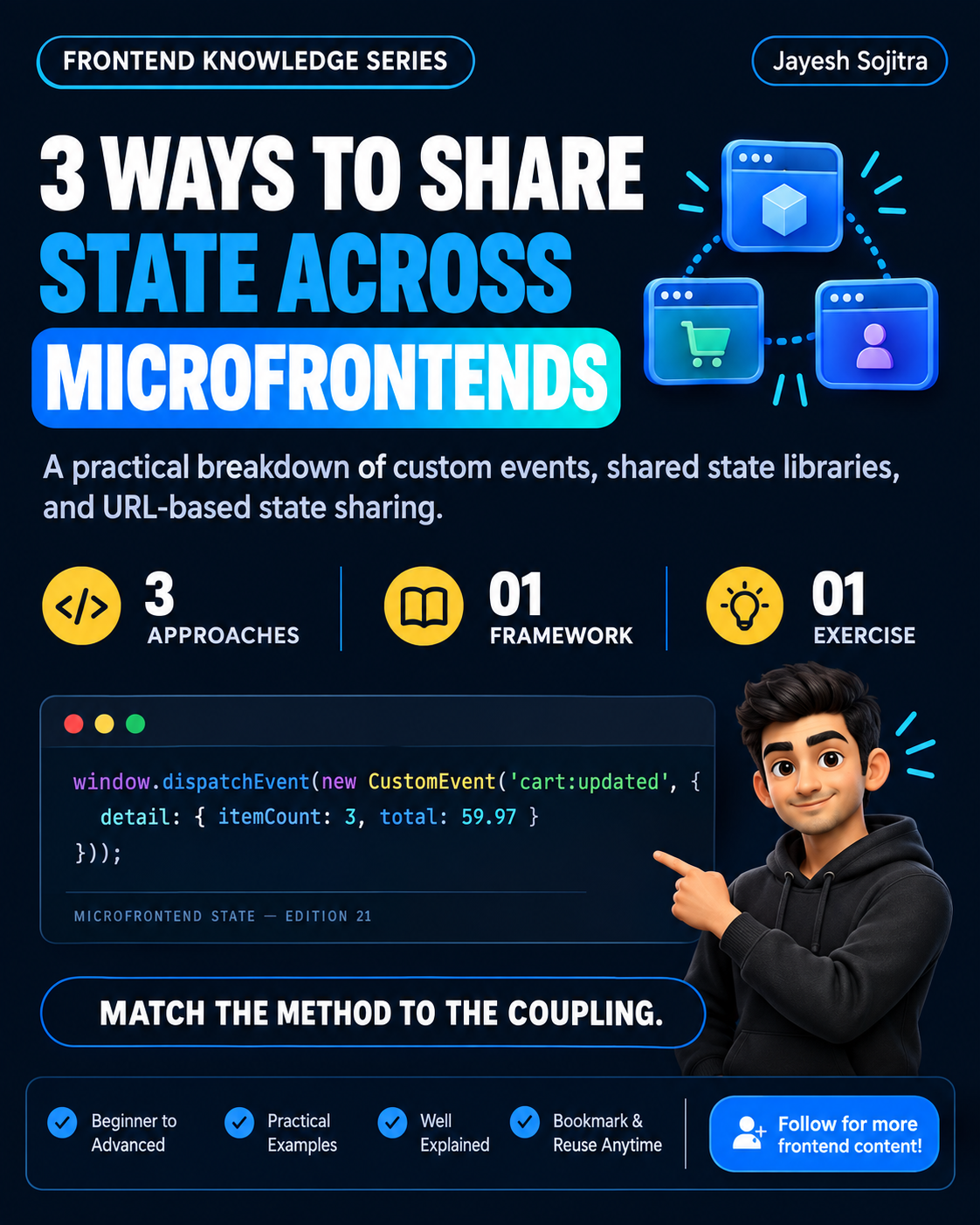
Once independently-deployed microfrontends can share components via Module Federation, the next question shows up fast: if the checkout microfrontend needs to know the cart microfrontend's current state, how does that actually happen? Here are three real approaches, with what each one costs.
1. Custom events on the browser's event bus
// Cart microfrontend dispatches an event when state changes
window.dispatchEvent(new CustomEvent('cart:updated', {
  detail: { itemCount: 3, total: 59.97 }
}));

// Checkout microfrontend listens, independently
window.addEventListener('cart:updated', (e) => {
  console.log(e.detail.itemCount, e.detail.total);
});
- What it solves: genuinely decoupled communication — the two microfrontends don't need to know about each other's internals, just an agreed-upon event name and payload shape.
- The real cost: no built-in type safety across the event boundary (a payload shape change in one microfrontend silently breaks the other, with no compile-time warning), and debugging requires tracing event listeners across separately-deployed codebases.
- Best for: loosely-coupled communication where microfrontends genuinely don't need tight coordination — notifications, "something happened" signals.
2. A shared state library, loaded as a federated module
// Exposed from a "shared-state" microfrontend via Module Federation
export const useCartStore = create((set) => ({
  items: [],
  addItem: (item) => set((state) => ({ items: [...state.items, item] })),
}));

// Consumed identically in both cart and checkout microfrontends
import { useCartStore } from 'sharedState/useCartStore';
- What it solves: a single source of truth, with real type safety and a familiar state-management API (this example uses Zustand from Day 8) — both microfrontends read and write the same store.
- The real cost: this reintroduces some coupling — both microfrontends now depend on the shared state library's exact version and shape, similar to the shared-dependency version-mismatch problem from Day 6.
- Best for: tightly-related microfrontends (cart and checkout genuinely need synchronized state) where the coordination cost is worth it for correctness.
3. URL/query parameters as shared state
// Cart microfrontend updates the URL when state changes
const params = new URLSearchParams(window.location.search);
params.set('cartItems', '3');
window.history.replaceState(null, '', `?${params}`);

// Any microfrontend (or a full page reload) can read the current state from the URL
const itemCount = new URLSearchParams(window.location.search).get('cartItems');
- What it solves: state that survives page reloads and is shareable via a link, without any direct coordination between microfrontends at all — they just agree on a URL parameter convention.
- The real cost: only works for state that's reasonable to put in a URL (not large objects, not sensitive data), and doesn't help with real-time updates within the same page load without additional listening logic (like a
popstatelistener). - Best for: state that's inherently shareable/bookmarkable (filters, a selected item, pagination) — not for frequently-changing internal state.
A practical decision framework
| Situation | Approach |
|---|---|
| Loosely-coupled, occasional "something happened" signals | Custom events |
| Tightly-related microfrontends needing real synchronized state | Shared state library via Module Federation |
| State that should survive reloads or be shareable via link | URL parameters |
| A single microfrontend's purely internal state | Don't share it at all — this is the default, and it's fine |
The mistake in both directions
- Sharing everything through a shared state library "to be safe" — this quietly recreates the tight coupling microfrontends were supposed to avoid, undermining the whole point of independent deployment.
- Avoiding all shared state via events only, even for genuinely tightly-coupled data like cart/checkout — leads to sync bugs and duplicated logic trying to keep two independently-listened-to states in agreement.
Try this yourself: if you're working with (or considering) microfrontends, list out every piece of state that currently needs to cross a microfrontend boundary. For each one, ask: does this need real-time sync, does it need to survive a reload, or is it just a one-off signal? That answer maps directly to one of these three approaches.
Takeaway: There's no single right way to share state across microfrontends — custom events, a shared state library, and URL parameters each solve a different shape of coordination need. Defaulting to one approach for everything usually means either recreating tight coupling or accepting sync bugs you didn't need to have.